Hi Ben
Please stop to waste your time the issue is fixed ,LabVIEW is running fine now and the MIAC does what LabVIEW command him to do .
Findings
(1) there are different PID-VID settings for the USB Slave and the MIAC Slave Drivers how come I do not know however as showed above the different PID Values.Not sure if there is any other hidden strings/numbers to tell the driver that it is a MIAC or a Normal slave device? but they are different drivers to the look of it.
(2)The MAIC Slave Firmware Project(FC) downloaded from the MIAC product page does not compile
(3) Downloading the same sourec files from the FC6 MIAC Wiki compiles correctly ,I then programmed the MIAC with this hex file and it showed up in the device manager with the correct PID and VID as also used by the LabVIEW open USB Vi.
(4) fixing the unconnected wires in the LabVIEW Transfer subVi remove the broken run arrow in LabVIEW
(5) Running the LabVIEW examples are working fine now
However with all of this said in my opinion we still have non functioning USB Slave function or Drivers if I would connect now my PIC 18F4550 nothings works
Ben I really appreciate all your help and efforts really highly however I am on my way now doing what I should be doing .but I will be backin the near future with the Slave Component stuff for PIC

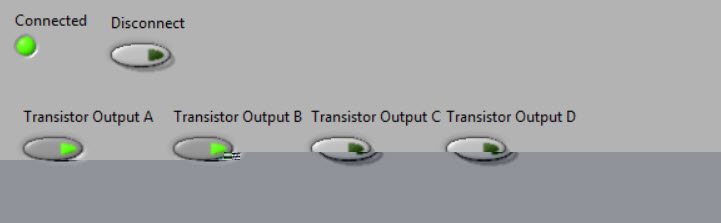
- 12.jpg (17.66 KiB) Viewed 6699 times
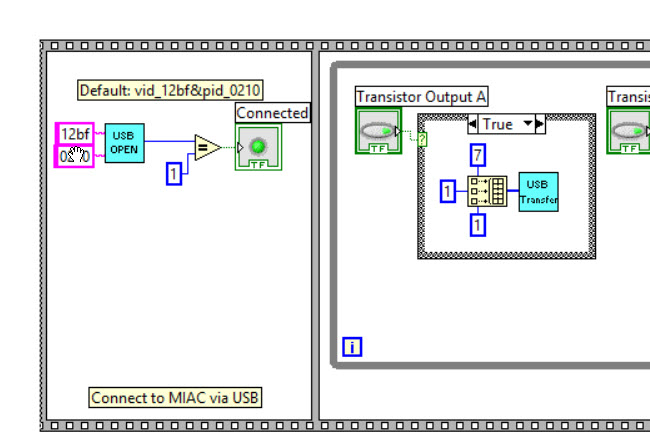
- 13.jpg (61.59 KiB) Viewed 6699 times


