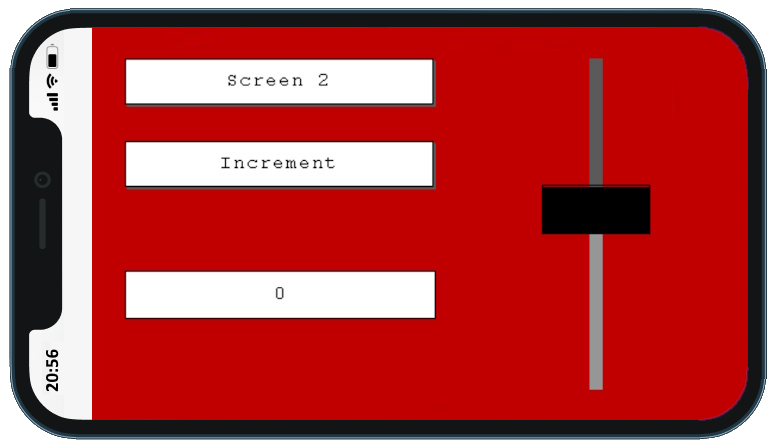
Flowcode's Web Mirror feature replicated an embedded graphical display on the web. This includes any interactive
components such as buttons and sliders.
Integrate Phones and Computers with your Projects
Web Mirror software in Flowcode provides control and data gathering through web based devices - including mobile phones.
Currently this feature is only available with EBlocks 3 hardware. Similar functionality is available with Web Developer
and examples are available.
Web mirroring
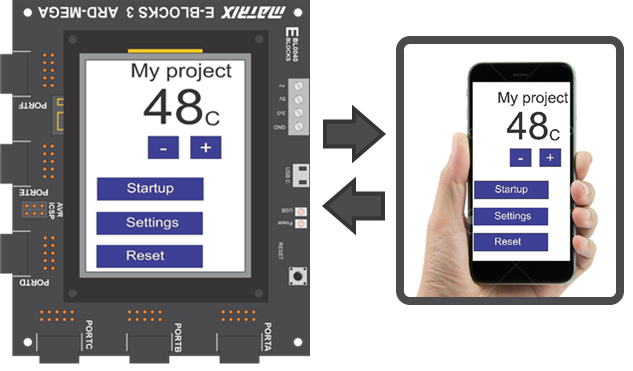
Web Mirror example
Implementation
The implementation is simple: design a program using the EBlocks 3 graphical display screen in Flowcode
and compile it. Every EBlocks 3 upstream board includes a Wi-Fi module that can connect to a local router.
Enter a URL into your phone browser (or scan a QR code). Your phone display exactly mirrors the functionality
of the touch screen graphical display on your EBlocks system. This works on local servers or remotely -
anywhere in the world - using the Matrix website.
How it works
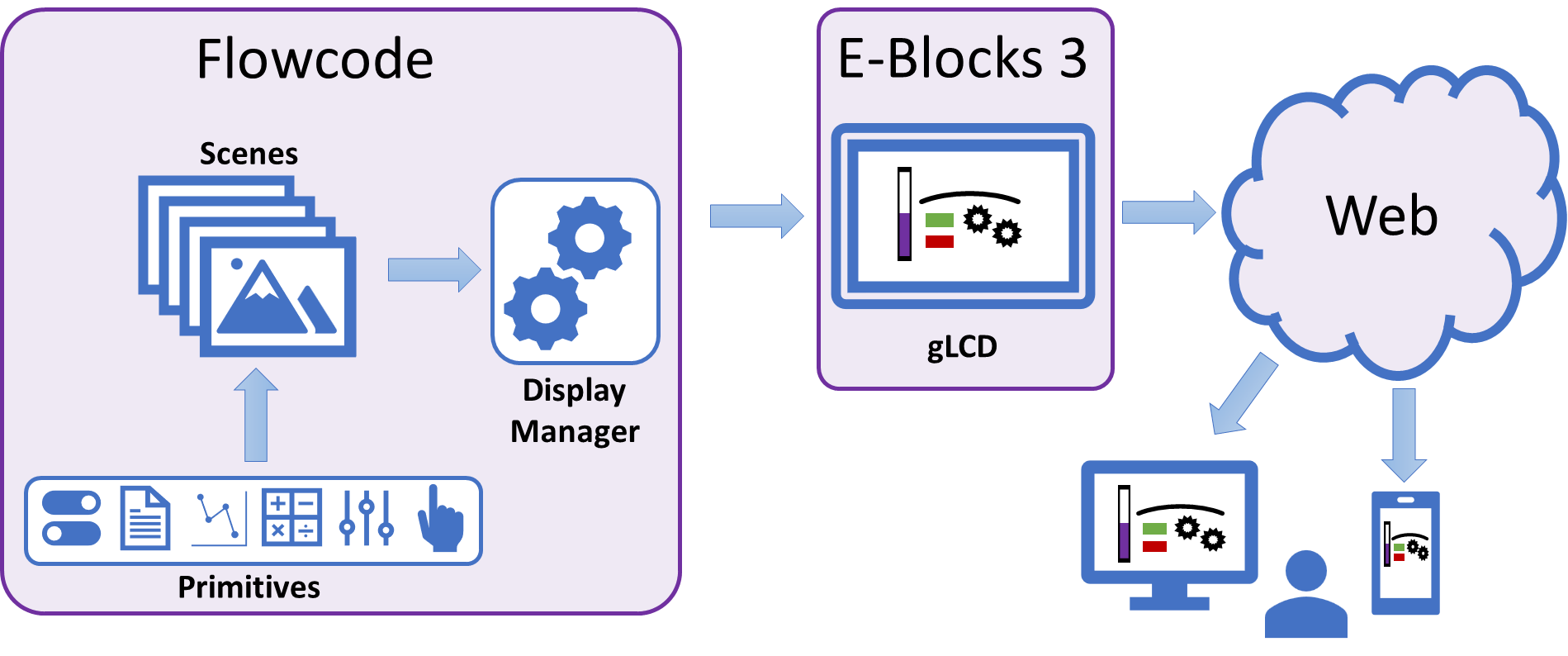
Create scenes in Flowcode using a range of interactive and non-interactive primitive components
Download program to the EBlocks 3 hardware
Access the mirrored display online on computers, tablets and mobile phones
Web mirror diagram
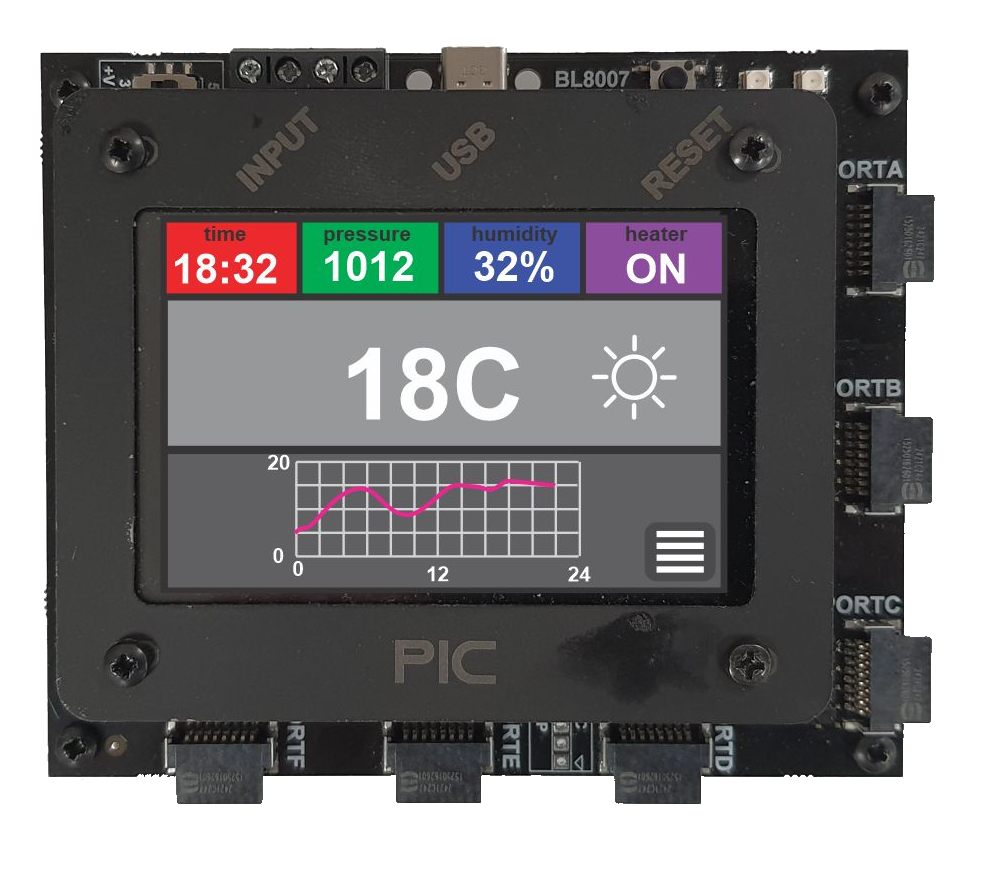
EBlocks 3 Upstream Board
EBlocks 3 Upstream Boards
The PIC, Arduino and ESP32 EBlocks 3 upstream boards are fitted with a Wi-fi module which
makes them immediately ready for Web Mirroring.
Learning More
Examples on web mirroring are available in the Examples menu shown on Flowcode startup.
Videos accompanying the programs are available on the Flowcode YouTube site.